
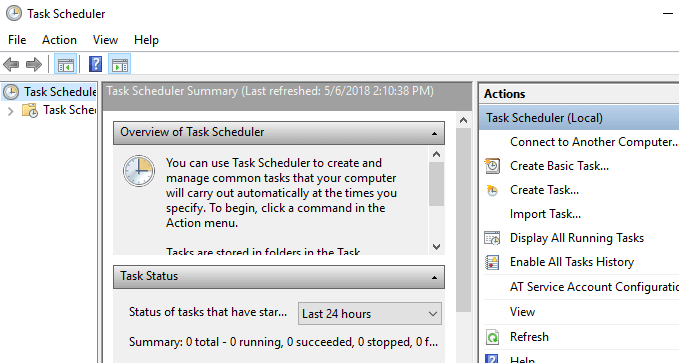
I was running a scheduled task on a Windows 2003 server that called a script that ran as a non-administrator on the server. The service account that the script ran under had rights to all the appropriate directories on the server, but I still kept seeing the following error after the scheduled task failed to execute:
0x80070005: Access is denied
The solution is documented in KB867466
Grant the Cmd.exe program Read and Execute permissions for the user account that the batch job runs under. To do this, follow these steps:
- Click Start, and then click Windows Explorer.
- Locate and then right-click the Cmd.exe file. The Cmd.exe file is located in the %windir%\System32 folder.
- Click Properties.
- Click the Security tab.
- Click Add.
- In the Enter the object names to select box, type the user name that the batch job runs under, and then click OK two times.Note When you add the user, the user is automatically granted Read and Execute permissions.
- Click Yes when you are prompted to continue.
This issue occurs if all the following conditions are true:
- You run the batch job on a Windows Server 2003-based member server.
- The batch job runs as a non-interactive process.
- The batch job is configured to run under the context of an account that is not a member of the Administrators group.
In Windows Server 2003, the Users group does not have Read and Execute permissions to the command processor (Cmd.exe). By default, the Cmd.exe program has the following permissions settings:
- The Interactive implicit group and the Service implicit group have Read and Execute permissions.Note On a member server, the TelnetClients group also has Read and Execute permissions. On a domain controller, the Batch implicit group also has Read and Execute permissions.
- The Administrators group and the System implicit group have Full Control permissions.