Howto: test IMAP mail server availability using Telnet

by admin on September 22, 2008

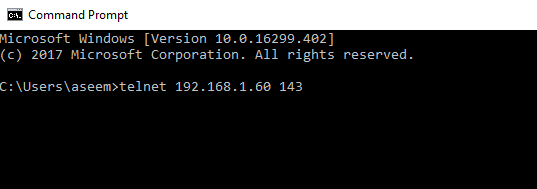
From a command prompt, initiate a connection with the mail server.  Use port 143 for IMAP, port 993 for seucre encrypted IMAPs:

[sourcecode language='html'] telnet 192.168.1.60 143 [/sourcecode]
Authenticate to the IMAP server, specifiying user name and password
[sourcecode language='html'] A LOGIN username password [/sourcecode]
Chose a folder:

[sourcecode language='html'] 01 Select INBOX [/sourcecode]

Display  a message using rfc822 specifications.  Here message number 13 is listed:

[sourcecode language='html'] 02 fetch 13 rfc822 [/sourcecode]

logout to terminate the session

[sourcecode language='html'] 03 logout [/sourcecode]

 For more details, see RFC 3501 at http://www.isi.edu/in-notes/rfc3501.txt

{ 8 comments… read them below or add one }

john blac January 7, 2009 at 2:05 pm

Generally Ido not post on blogs, but I would like to say that this post really forced me to do so! really nice post.

Reply

morison dony March 8, 2009 at 11:30 pm

Can you provide more information on this?

Reply

Jason Baez April 24, 2009 at 1:26 am

Can you provide more information on this?

Reply

Lenita Pasaye April 27, 2009 at 7:19 am

Of course, what a great site and informative posts, I will add backlink – bookmark this site? Regards, Reader.

Reply

Kev Fisher May 19, 2009 at 5:16 pm

wow what a collection fo information!

Reply

travel June 11, 2009 at 3:15 pm

I found your blog on google and read a few of your other posts. I just added you to my Google News Reader. Keep up the good work. Look forward to reading more from you in the future.

Reply

MySpace Proxy June 24, 2009 at 4:55 am

Very well thought out and informative. I’m sure many others enjoy reading this too, but are just a little scared to post – anyway – thanks again!

Reply

Limousine Software November 12, 2009 at 7:27 pm

I was looking for this info. thanks.

Reply

Leave a Comment

Previous post:

Next post: