
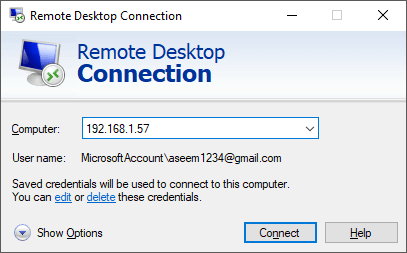
I ran across Claus’s link to the makeuseof.com article that shows how to run Microsoft’s Remote Desktop Connection program as a portable application from a USB drive.
This lead me to think about how this could be of value in my environment. I frequently hop from server to server using Microsoft’s Terminal Services client, mstsc.exe, which is built into Windows XP, Windows 2003 and newer operating systems.
My Windows 2000 servers can be accessed through RDP, but since do not have the updated client on them, I had not been able to run mstsc from the Windows 2000 server itself.
The makeuseof.com article lists four files that need to be copied in order to run Remote Desktop from a USB drive: mstsc.exe and mstscax.dll, plus mstsc.exe.mui and mstscax.dll.mui.
I copied the first two files from my Windows XP SP2 machine up to my Windows 2000 server. The second two .mui files did not exist on my Windows XP machine, probably due to the version of the OS I am running.