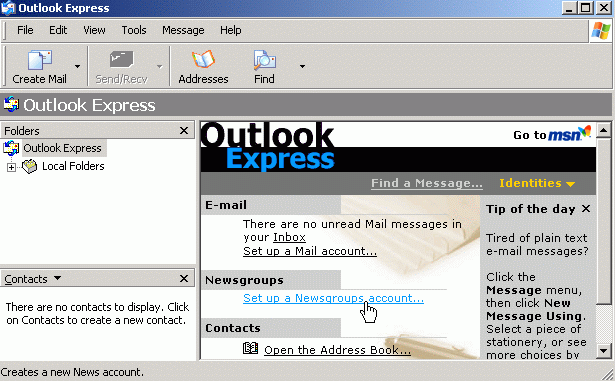
Back in October 2007 I struggled with converting a user’s email from Outlook Express (OE) to Outlook. My problem was I neglected to export her OE email prior to joining her computer to the new Windows domain. I figured out a solution in the end, after hours of work.
Life would have been so much simpler if I had know about the DBXconv program, which I found via Claus’s Grand Stream Dreams. DBXconv is freeware that extracts messages from OE5 and OE6 mailboxes into various formats.
As a test I downloaded DBXconv and saved it into a directory with a copy of my OE mailbox files. I ran the following command to extract the messages into .eml format.
dbxconv -eml *.dbx
The utility quickly created a folder for each of my .dbx files and created an .eml file for each of my messages. I was then able to import the files into Outlook 2007 by:
1) Dragging the .eml files into Windows Mail
2) Exporting the messages from Windows Mail
3) In Outlook 2007, Selecting File – Import and Export – Import Internet Mail and Addresses
4) Select Outlook Express 4.x, 5.x, 6.x or Windows Mail
5) Check the Import Mail and Import Address book boxes and press Next
6) In the Import Addresses window you can set how you want duplicates to be handled – Select the option and click Finish
July 11, 2008 at 12:28 pm
I heard about not bad application-dbx extractor, is the DBX extractor tool, extracts and saves the user’s messages from files with the dbx extension that Outlook Express uses to store folders, messages and news on the local disk,an be used to reindex large *.dbx files,it can undelete messages accidentally deleted from the Outlook Express Deleted items folder,supports previewing the message bodies being recovered and stored in .dbx files (including corrupted dbx files),tool will work with any currently supported version of Outlook Express under Microsoft Windows operating system.
December 9, 2008 at 8:26 pm
How can I do that : Dragging the .eml files into Windows Mail ???
August 13, 2009 at 5:19 pm
Thanks for the link to DBXconv – you saved me quite a bit of time! The program worked great! I was able to recover email from a dead HD and convert it from .dbx to .mbx so I could import the messages into Mail on a Mac.
Thanks for the post!
September 1, 2009 at 10:34 am
Thanks for this very useful information.
September 17, 2009 at 4:45 pm
Holy cow – thanks – this is rock solid. I had a computer crash situation and needed to get email from OLE to OL. What a time saver this has been. The dbx conversion worked great and I was able to import the new eml files quickly. I thought I was dead but this saved me butt. Thanks a bunch!
Woody
November 10, 2009 at 5:20 am
very Helpful Information. It really helps to have .dbx file works in outlook. I would also like to share a popular outlook express recovery software to Repairs & recovers corrupted, damaged Outlook Express .mbx & .dbx files & restores folders, emails, addresses, attachments etc. more efficiently.
November 15, 2009 at 1:21 pm
THX a lot for your post, Julie !!!
Thankfully I could restore all my dad`s mails, and for free.
Best regards
Maria