
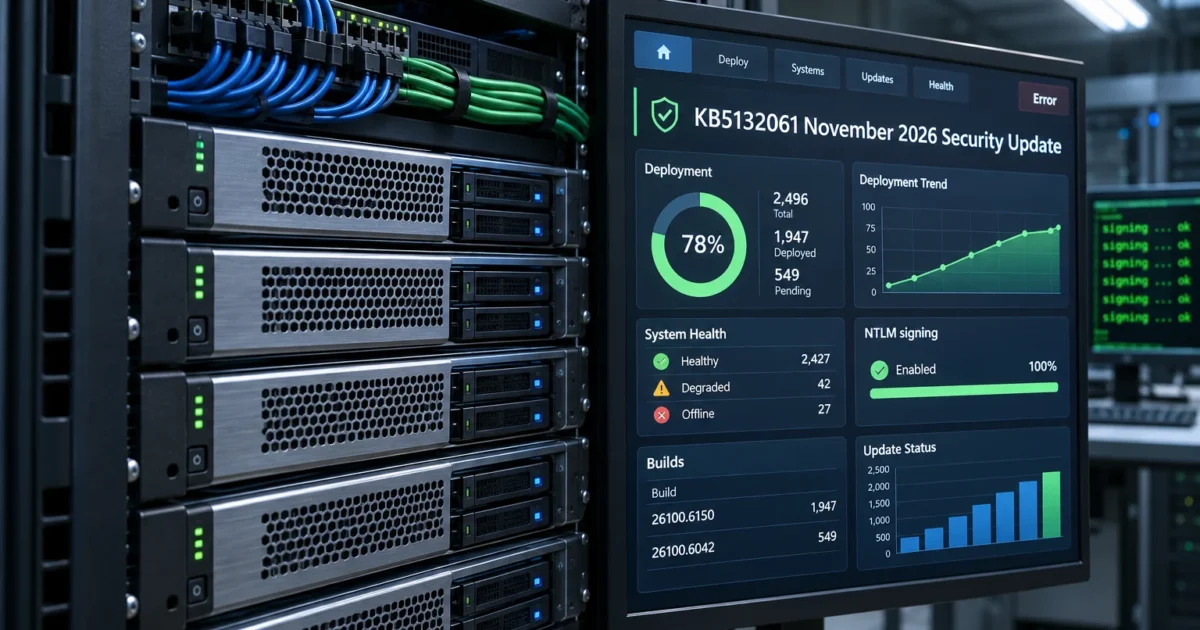
On November 10, 2026, Microsoft shipped the 2026-11 B security release for Windows 11. KB5132061 covers 26H2 and 25H2 (all editions) and 24H2 Enterprise and Education, KB5132059 covers 26H1, and KB5131087 is the final monthly security update for 23H2 Enterprise and Education. The headline change for IT is NTLM: Windows clients now offer NTLM message signing by default.
Three days later, on November 13, Microsoft published optional out-of-band (OOB) updates for an SLMGR/KMS activation regression the November release introduced. Short answer for IT shops: pilot the main release, audit NTLM traffic, and pull the OOB package onto any machine that scripts licensing with slmgr.vbs.
What happened in the Windows 11 November 2026 update
Microsoft lists these changes on the Windows message center, the Windows 11 release information page, and the KB5132061 release notes (sources retrieved November 17, 2026):
- NTLM message signing. Starting with the November 10 updates, clients offer NTLM message signing by default on non-anonymous connections, addressing CVE-2026-118737. Servers still accept unsigned clients in this phase and log audit events for them. Microsoft’s KB5135557 says a second phase in May 2027 makes servers require signing by default, rejecting unsigned clients with error 0x80090302. Anonymous and guest connections are exempt, and Kerberos isn’t affected.
- USB Audio 1.0 fix. KB5132061 fixes USB Audio 1.0 devices that could fail to start and show error Code 10 in Device Manager after a recent security update. If a USB audio interface or DAC stopped working after an earlier 2026 update, this is the fix to test.
- Secure Boot certificates. The update adds device targeting data, so more devices qualify to receive the new Secure Boot certificates automatically. Devices without the new certificates still start and receive updates.
- Remote Desktop and printing. KB5132061 fixes RDP client connection failures caused by a certificate mismatch after the October 2026 preview update, and error 87 when adding an Active Directory-published printer.
- Hotpatch. Eligible devices enrolled in hotpatch updates through a hotpatch policy on 26H2, 25H2, and 24H2 get the November hotpatch update, KB5132043 (builds 26300.9911, 26200.9911, and 26100.9911), instead of the restart-based cumulative update. After it installs, Microsoft also offers eligible hotpatch devices a separate standalone PowerShell security update, KB5135385, which may still need a restart if updated files are in use.
- 23H2 Enterprise and Education end. Windows 11 23H2 Enterprise and Education reached end of updates on November 10, 2026, so KB5131087 (build 22631.7711), the November update for 23H2, is the last monthly security update those editions get. Microsoft recommends moving to 26H2, per the 23H2 status page.
- No December preview. Microsoft says there won’t be a December 2026 non-security preview update. Normal monthly servicing resumes in January 2027.
Microsoft has also documented one regression since release. After the November update, some enterprise devices fail licensing and activation operations run through SLMGR with error 0x80041008 (Invalid parameter). It mainly hits organizations that use slmgr.vbs commands or automation to configure KMS activation or install product keys. Devices that are already activated stay activated.
The fix is an optional, non-security OOB update, not an automatic repair. On Windows 11 23H2 it’s KB5136483 (build 22631.7714), offered through Windows Update under Settings > Windows Update > Advanced options > Optional updates and also in the Microsoft Update Catalog. Windows Server 2025 (KB5136489), Server 2022 (KB5136487), Server 2019 and Windows 10 Enterprise LTSC 2019 (KB5136490), and Windows 10 22H2 ESU and LTSC 2021 (KB5136493) get their own packages from the Update Catalog.
How it stacks up
Here’s how the release maps across versions:
| Version | KB | Build after update | Status |
|---|---|---|---|
| 26H2 | KB5132061 | 26300.9974 | Current, all editions, migration target |
| 25H2 | KB5132061 | 26200.9974 | Serviced, all editions |
| 24H2 | KB5132061 | 26100.9974 | Enterprise and Education only |
| 26H1 | KB5132059 | 28000.3501 | New-device release, not an in-place upgrade |
| 23H2 Ent/Edu | KB5131087, then OOB KB5136483 | 22631.7711 / 22631.7714 | Final monthly update |
Don’t mix up 26H1 and 26H2. Microsoft scopes 26H1 to devices that shipped with it in 2026 and doesn’t offer it as an in-place update, so confirm which branch a device is on before patching.
To see which row a machine is on, read the build and update build revision (UBR) from the registry. This shows the installed OS build level, not the name of every KB on the device:
# CurrentBuild = base build; UBR = cumulative update revision
$v = Get-ItemProperty 'HKLM:\SOFTWARE\Microsoft\Windows NT\CurrentVersion'
"$($v.CurrentBuild).$($v.UBR)"
Expected output on a patched 24H2 Enterprise device that takes the standard cumulative update:
26100.9974Hotpatch-enrolled devices report the hotpatch build instead (.9911 on 26H2, 25H2, and 24H2), and the standalone PowerShell update KB5135385 doesn’t change that number.
A matching build confirms the cumulative update installed. It doesn’t tell you whether a separate OOB package like KB5136483 is present, so check installed updates for that separately.
For a manual check, open Settings > Windows Update and select Check for updates.

The reaction
We didn’t find X, Reddit, or Hacker News threads about this release that we could verify, so there’s no public reaction to report yet. The activation regression is the item most likely to generate help-desk tickets, because it only shows up when a script or admin runs SLMGR.
Our take
Verdict: pilot first, then roll out widely. Here’s how that breaks down by workload.
- General desktops and homelab boxes: adopt. The USB audio, RDP, and printing fixes plus the security content justify it, and the NTLM change only makes clients offer signing.
- KMS-activated or scripted-licensing fleets: patch, then add the OOB. If you run
slmgr.vbsin imaging, task sequences, or scheduled scripts, stage the matching OOB package from the Update Catalog alongside the November update. Already-activated machines keep working without it. - NTLM-dependent apps, NAS shares, and older printers: audit now. Phase 1 doesn’t break unsigned clients, but May 2027 will. Turn on NTLM auditing and watch Event IDs 4022 (client) and 4023 (server) in the Microsoft-Windows-NTLM/Operational log to find unsigned connections before servers start rejecting them.
- 23H2 Enterprise/Education: migrate now. These editions get no more monthly security updates after November. Plan the move to 26H2.
For most IT shops, the real cost here is time, not technical complexity. The work is four concrete jobs: a pilot ring, an NTLM audit, a review of every script that calls slmgr.vbs, and the 23H2 migration.
To start the NTLM audit, pull recent NTLM audit events from a server or client that has NTLM operational logging enabled:
# 4023 = server-side NTLM audit event; 4022 = client-side audit event
Get-WinEvent -LogName 'Microsoft-Windows-NTLM/Operational' -MaxEvents 500 |
  Where-Object { $_.Id -in 4022, 4023 } |
  Select-Object TimeCreated, Id, MachineName -First 25
This lists signed and unsigned connections alike. Open each event’s details and check its Negotiated Flags: a connection without the SIGN bit (0x10) is the one that breaks in May 2027, and KB5135557 includes a script that filters for exactly those.
No results doesn’t prove you’re clean if auditing wasn’t enabled, so confirm the log is collecting events first. On 23H2 machines that run licensing scripts, confirm the activation fix is present: the registry check should return 22631.7714, and KB5136483 should be listed under Settings > Windows Update > Update history. Check release health for new known issues during the pilot.
Wrapping Up
Patch general endpoints, add the OOB activation fix wherever SLMGR scripts run, and start the NTLM audit now so May 2027 isn’t a surprise. With one documented regression that already has a fix, a normal pilot ring is the right amount of caution.
After the reboot, run the registry check again. It should return .9974 on 26H2, 25H2, or 24H2 (.9911 on hotpatch-enrolled devices), 28000.3501 on 26H1, or 22631.7711 (22631.7714 with the OOB) on 23H2. If it does, the cumulative or hotpatch update installed. Check update history separately for OOB packages such as KB5136483 and the standalone KB5135385.