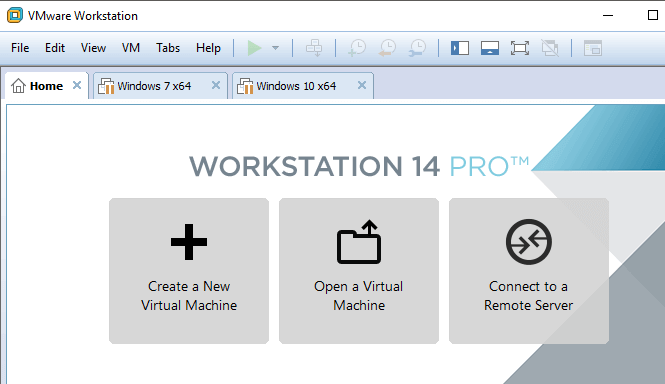
This morning I received the following error when trying to power on a VMware Workstation virtual machine:
Could not open virtual machine: C:\VMs\Windows Server 2003 Standard Edition.vmx. This virtual machine appears to be in use.
To resolve the issue, I deleted all of the .lck files and directories in the guest’s directory listed above. This allowed me to start my VM. I encounter this error from time to time, yet always forget how to resolve it.
{ 16 comments… read them below or add one }
It worked. Thanks
thanx
it worked perfectly thank you very much….
it’s work so great. thanks a lot
It works perfect! Thanks a lot!
It works perfectly !!!! thank u very much !!!
Hi there,
It works, but…
A couple of minutes after the virtual machine, VMware displays a message…
Somthing about the directory already exists, bla bla,
do you want to overwrite? [YES] or [NO]
Which one should I choose?
(I will try to give you the exact message in a few minutes)
thanx. it worked
Thank you very much!!!
Thanks , great
it worked thanks
Thanks, you are a legend.
Great!!! it worked thanks.
thank you, I was having this problem for the last 2 months!
Man, awesome, very simple and effective, thank you very much!
Thanks a million!